
Docs
Documentation site
A documentation site with the ergonomics people expect — a sidebar, on-page table of contents, prev / next paging, client-side search and an API reference. Point it at your content and you have real docs.
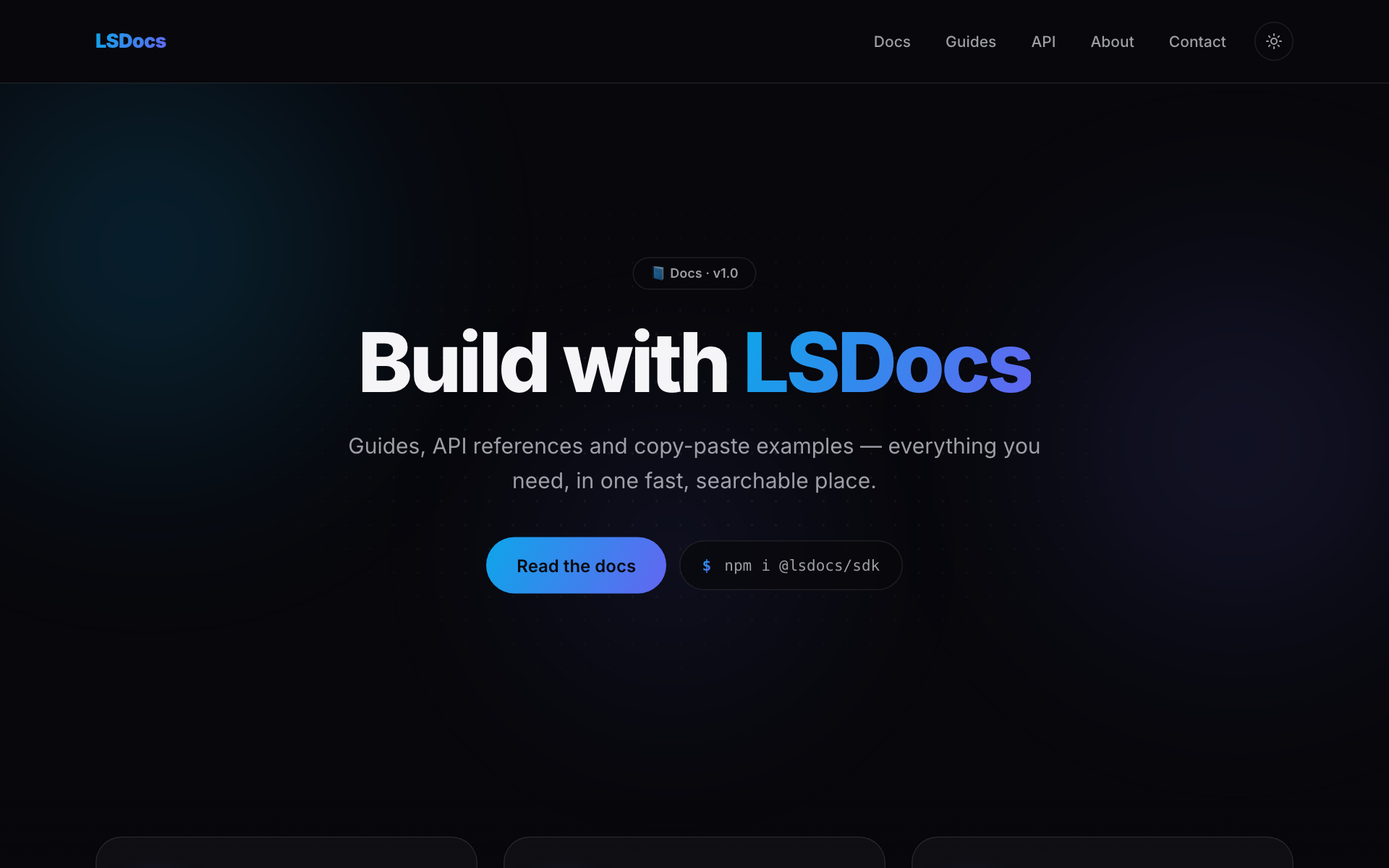
Built for a docs site
Everything below is already written and wired — real sections, not stubs to delete.
Sidebar + TOC
A collapsible sidebar and an on-page table of contents that tracks your scroll.
Client-side search
Instant, keyboard-friendly search across every guide — no external service.
API reference
A structured reference layout for endpoints, params and examples.
Prev / next & changelog
Sequential paging between guides plus a dated changelog page.
Pages you get, filled in
Each one arrives complete and personalised with your project name.
Scaffold the Docs template
This writes a complete, running Next.js 15 + React 19 + Tailwind app to disk — then it's a normal project you own outright and edit however you like.
Prefer to look first? Open the live demo ↗
# scaffold the docs template
npm create lacspace-app@latest my-app -- --template docs

cd my-app && npm run devThe boring parts, already done
Whichever template you pick, it ships with the production plumbing every real site needs — wired from one site config.
SEO wired end-to-end
Metadata, JSON-LD, dynamic OG images, sitemap and robots — all from one site config.
Security headers
A strict Content-Security-Policy and hardened HTTP headers via @lacspace/headers.
Dark / light theme
A no-flash theme with system, light and dark modes and a toggle.
⌘K command palette
A keyboard command palette for fast navigation, built in.
Typed contact form
FormData → validated, typed data with a spam honeypot.
CI that gates on SEO
A GitHub Actions workflow that fails the build on a poor SEO crawl grade.
9 finished templates, one command each
Browse the full gallery, or jump straight into the developer platform for docs and the package reference.