
Personal
Portfolio & developer presence
A complete personal site for developers and makers — your work, your writing and your story, all filled in and ready to edit. Swap the copy for yours and you have a portfolio you'd actually be proud to link.
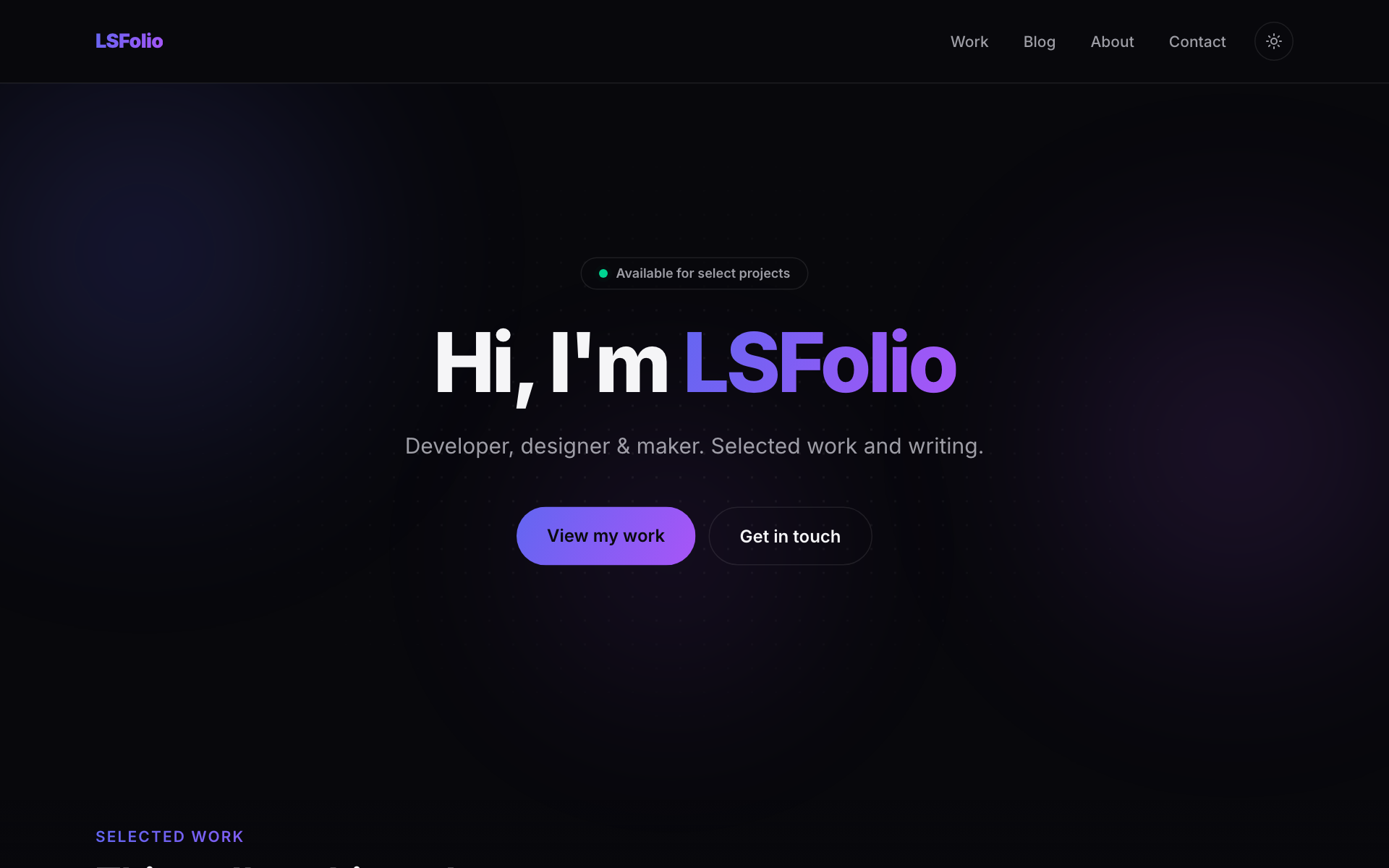
Built for a personal site
Everything below is already written and wired — real sections, not stubs to delete.
Project showcase
A filterable grid of projects with tags, links and case-study detail pages.
A real Markdown blog
Posts written as .md files with BlogPosting JSON-LD, topic pages and reading time.
Work & uses pages
A timeline work history and a /uses page for your gear and software stack.
About & contact
A personal about page and a typed, honeypot-protected contact form.
Pages you get, filled in
Each one arrives complete and personalised with your project name.
Scaffold the Personal template
This writes a complete, running Next.js 15 + React 19 + Tailwind app to disk — then it's a normal project you own outright and edit however you like.
Prefer to look first? Open the live demo ↗
# scaffold the personal template
npm create lacspace-app@latest my-app -- --template personal

cd my-app && npm run devThe boring parts, already done
Whichever template you pick, it ships with the production plumbing every real site needs — wired from one site config.
SEO wired end-to-end
Metadata, JSON-LD, dynamic OG images, sitemap and robots — all from one site config.
Security headers
A strict Content-Security-Policy and hardened HTTP headers via @lacspace/headers.
Dark / light theme
A no-flash theme with system, light and dark modes and a toggle.
⌘K command palette
A keyboard command palette for fast navigation, built in.
Typed contact form
FormData → validated, typed data with a spam honeypot.
CI that gates on SEO
A GitHub Actions workflow that fails the build on a poor SEO crawl grade.
9 finished templates, one command each
Browse the full gallery, or jump straight into the developer platform for docs and the package reference.